
Ageing that stays traceable
Upload Excel or CSV, inspect customer rows and totals, and approve the report before it becomes your working source.
Keep customer balances, follow-up history and collection priorities in view. Give your receivables team a shared record of what is due and what happens next.
No card required. No automatic charge after your trial.
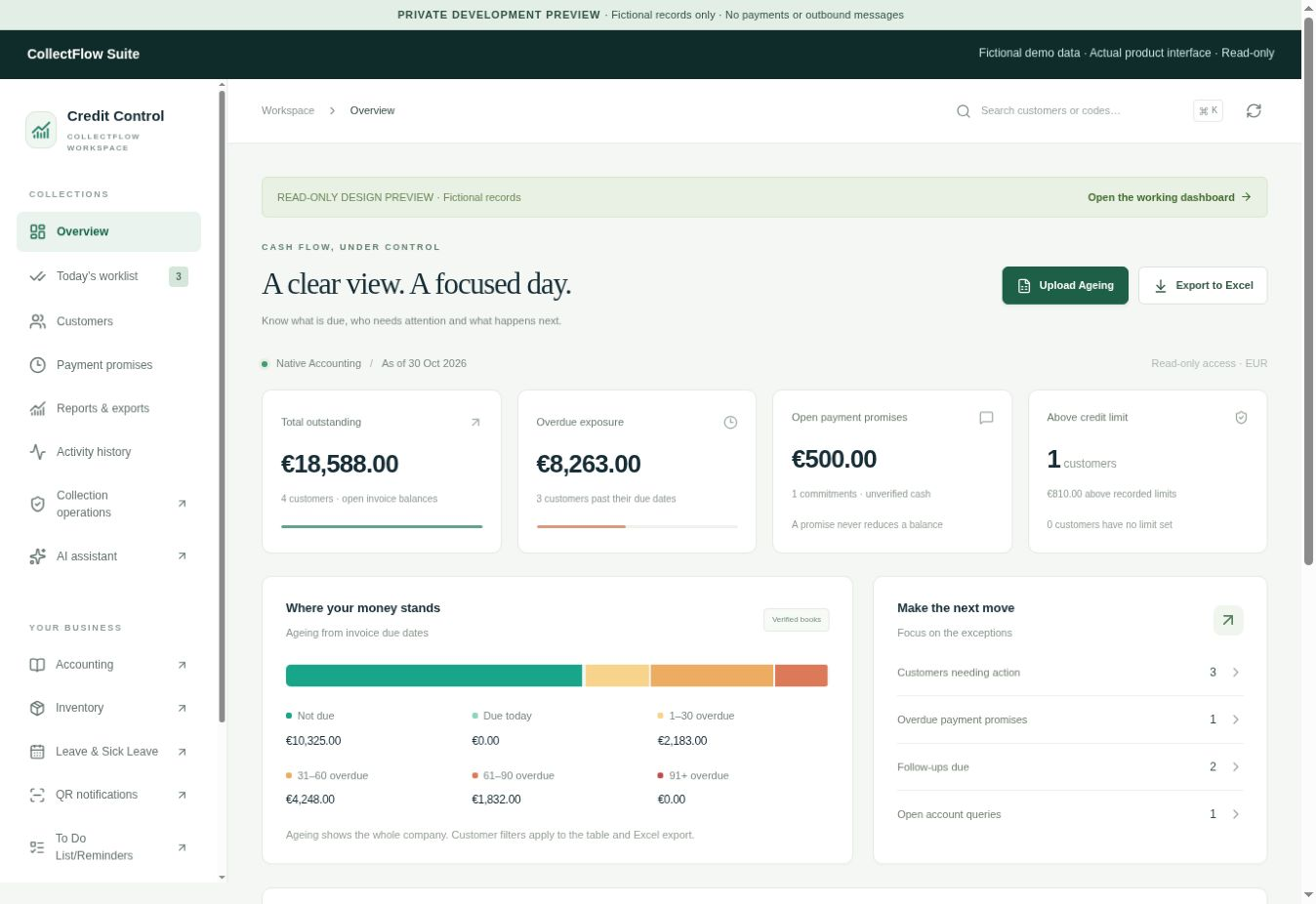
Upload Excel or CSV, inspect customer rows and totals, and approve the report before it becomes your working source.
Review outstanding and overdue amounts, filter the worklist and open customer details without losing the context of the report.
Uploaded accounts support notes, promises and assigned follow-ups with a shared history. A promise never reduces debt.
Keep signed unallocated payments in the balance calculation. Track future-dated cheques separately until they are honoured.
Upload an ageing report and review the import before approving it, or use receivables derived from posted Accounting invoices.
Open the relevant customer balances and collection priorities, then choose the next account to call and assign a follow-up to your team.
Record what happened and what was agreed against the uploaded customer. Verify actual receipts separately; a logged promise does not clear debt.